
TL;DR
Automating answer-optimized FAQs is mostly about guardrails: choose the right pages, enforce strict answer constraints, prevent duplicates, and generate FAQ schema directly from visible FAQ modules. Validate against Google’s requirements and measure outcomes with a clean before/after plan tied to queries, citations, and conversions.
Answer-optimized FAQs are one of the few “boring” SEO elements that consistently improve extractability for AI answers—if you treat them like structured content, not filler. The hard part is scaling them without duplicating questions, bloating pages, or shipping invalid markup.
FAQ schema is JSON-LD markup that maps visible Q&A pairs to a machine-readable structure, so crawlers and answer engines can extract (and sometimes cite) your answers with less ambiguity.
What FAQ schema actually is (and what it isn’t)
FAQ schema is a specific structured data type intended for pages that list questions with one definitive answer per question. In Schema.org terms, it’s the FAQPage type.
Google’s guidelines are strict about two things:
- The questions and answers in the markup must match what is visible on the page.
- It must be used for FAQs (single-answer), not community threads or multi-answer discussions.
Google documents the requirements and constraints in its official FAQPage structured data documentation. Treat that page as the source of truth whenever you automate.
FAQPage vs QAPage: automate the right schema
Many teams auto-tag everything as FAQ because it’s easy. That creates schema drift (markup does not reflect the page type), and it’s a fast way to end up with invalid or misleading structured data.
Use FAQPage when:
- The page has multiple questions.
- Each question has a single, authoritative answer written by the site.
Use QAPage when:
- The page is centered on one question.
- There are multiple answers (often user-generated), with upvotes/acceptance.
Google spells out Q&A requirements in its QAPage structured data documentation. If you run forums, communities, or product support threads, QAPage is usually the right automation target.
Contrarian stance: stop building standalone “FAQ pages” for SEO
Most standalone FAQ pages don’t earn trust, don’t rank, and don’t get cited.
If the goal is AI Overview inclusion and citations, put FAQ modules on pages that already have:
- link equity
- topical focus
- clear entity context (product, category, use case)
- conversion intent
Treat FAQs as extractable answer blocks attached to high-authority pages, not as a dumping ground for long-tail keywords.
Why answer-optimized FAQs matter for AI Overviews in 2026
FAQ schema isn’t a cheat code for rich results anymore. In 2023, Google reduced the visibility of FAQ rich snippets due to overuse; they largely show for highly authoritative sites and specific cases (coverage and presentation vary). That change is widely discussed in SEO analysis of the update, including this breakdown from Wildcat Digital.
So why still care?
Because the value of FAQs has shifted from “pretty SERP enhancements” to clean extraction:
- clean question phrasing
- short, self-contained answers
- clear on-page placement
- schema that matches the visible content
That combination is exactly what answer engines need.
What “answer-optimized” means (practically)
Answer-optimized FAQs are written to be:
- self-contained (readable without surrounding paragraphs)
- direct (first sentence answers immediately)
- short (one tight paragraph)
- consistent (same terminology as the rest of the page)
Frase summarizes this style as featured-snippet-like formatting and recommends concise answers in the 40–60 word range for AI-oriented extraction (treat as directional guidance, not a law) in its discussion of FAQ schema and AI search.
SUSO Digital also frames FAQ writing as “snippet-first,” recommending 1–2 sentence answers that rephrase the question as a statement for better extraction in their FAQ page best practices.
Why automation is risky without guardrails
When teams automate FAQs, three failure modes show up immediately:
- Duplicate questions across pages (the same “What is X?” appears on 50 URLs).
- Low-signal questions (questions that don’t map to user intent or on-page content).
- Markup drift (schema stays the same while on-page copy changes, or vice versa).
seoClarity explicitly warns against duplicating FAQ content site-wide and emphasizes that FAQ schema should be used only where answers are definitive and visible on the page in its FAQ schema guidance.
If you automate, you need a system that enforces:
- page eligibility rules
- uniqueness rules
- answer length rules
- validation rules
- refresh rules
This is the same “infrastructure” mindset you need for AI visibility work more broadly; we’ve covered adjacent crawl/extraction failure patterns in our breakdown of technical SEO for AI visibility.
The Answer-Ready FAQ Engine: 5 steps you can automate
Point of view: FAQs should be treated as structured product education, not SEO garnish. If the FAQ module doesn’t clarify evaluation questions and reduce ambiguity for crawlers, it’s noise.
Use this five-step model to automate without degrading quality:
- Intent selection: choose pages and questions that match real evaluation or “how-to” intent.
- Answer constraints: enforce word count, structure, and language rules.
- Uniqueness controls: prevent repeated Q&A across the site.
- Markup fidelity: guarantee schema matches visible content.
- Monitoring + refresh: track performance and update when the page or SERP changes.
Step 1: Intent selection (which pages get FAQs)
Don’t attach FAQs everywhere. Prioritize pages that already act as “explainers” or “decision support,” such as:
- category pages (problem space)
- feature pages (capabilities)
- integration pages (compatibility)
- comparison pages (evaluation)
- high-performing blog hubs (education)
If you’re building topic hubs, add FAQs where they strengthen the hub’s ability to answer conversational queries; this pairs well with solid hub design like the approach in our topic cluster architecture.
Eligibility rules that work in automation:
- Page has at least one primary intent (not “mixed”).
- Page already includes a section where FAQs are natural (near the end, before CTA).
- Page has a stable URL (avoid pages that frequently change structure).
- Page is indexable and canonical (don’t generate schema for noindex variants).
Step 2: Answer constraints (a template the model can’t ignore)
Automation fails when answers are unconstrained.
Practical constraints you can encode into generation:
- Answer length: pick a target band. Domaindotin suggests answers in the 50–250 word range for clarity and completeness (directional guidance) in its FAQ schema article. If you’re optimizing for extractability, push toward the lower end unless the question demands detail.
- Opening sentence rule: the first sentence must directly answer the question.
- No “it depends” openings: if nuance is needed, answer first, qualify second.
- No internal-only claims: don’t include promises you can’t support on-page.
- Terminology lock: use the same nouns as your page H2/H3s (feature names, product categories).
A reliable writing pattern:
- Sentence 1: direct answer.
- Sentence 2: one clarifier (scope, constraint, example).
- Optional sentence 3: next step (link deeper on-page, not off-page).
Step 3: Uniqueness controls (the part that keeps you from scaling garbage)
If you programmatically generate FAQs, duplicate content is not a “nice to fix later” issue. It creates:
- repetitive markup
- diluted entity signals
- weaker page differentiation
seoClarity calls out that repetitive FAQ content should be implemented only once across a site and that the markup must match visible content in its scaling guidance.
Automation controls to enforce uniqueness:
- Maintain a global question registry (normalized strings + embeddings).
- If similarity > threshold, either block, rewrite, or localize the question.
- Force page-specific qualifiers for common questions.
Example localization (same intent, not duplicate):
- Duplicate: “What is SOC 2?”
- Localized for an integration page: “Does the Salesforce integration support SOC 2 requirements?”
Step 4: Markup fidelity (schema must mirror visible content)
This is where most automated systems quietly fail.
The minimum structure for FAQPage JSON-LD:
@context@type: "FAQPage"mainEntityarray- each item:
@type: "Question"withname - each answer:
acceptedAnswerwith@type: "Answer"andtext
Frase reiterates those required components (and the “visible content must match schema” requirement) in its practical guide to FAQ schema for AI search.
Step 5: Monitoring + refresh (tie FAQs to measurable outcomes)
If you can’t measure whether FAQs changed extraction, you can’t justify maintaining them.
What to track:
- impressions and clicks for queries that match the questions
- page-level CTR changes after FAQ module launch
- AI citation presence for those questions (prompt panels)
- on-page conversion rate impacts (CTA clicks, demo starts)
This is also where teams get stuck with tool sprawl; we’ve written about fixing fragmented workflows in this workflow breakdown and about measuring AI visibility using AI search visibility tools.
Where Skayle fits in an FAQ automation workflow
FAQ automation becomes more useful when it is connected to the rest of the ranking workflow. That is the role Skayle is built to play.
In Skayle, teams can use Google Search Console and Search Intelligence evidence to identify pages and questions worth improving, create structured content with metadata and schema-related fields, run SEO and AEO diagnostics, and publish through Skayle CMS or supported WordPress, Webflow, Sanity, and Contentful connectors. After publication, AI Search Visibility can track sampled prompt presence and citation behavior separately across supported engines.
The practical advantage is continuity. The query evidence, content item, validation checks, publish state, and later visibility review can stay in one operating loop instead of being split across a spreadsheet, an AI writer, a schema generator, a rank tracker, and a CMS.
Skayle does not make every page eligible for an FAQ rich result, and it does not guarantee an AI citation. It gives content teams a structured way to choose the right pages, improve them with evidence, publish the change, and measure what happened. See Skayle’s content workflow or book a demo.
Step-by-step: automate FAQ schema without shipping junk
This section assumes you have:
- a page inventory (URLs + templates)
- a content source of truth (CMS fields or Markdown)
- an LLM generation step (optional) with guardrails
Step 1: Choose your automation targets
Start with 20–50 URLs. Avoid “all pages.”
Select pages that:
- rank or are close to ranking
- have stable templates
- are already answer-oriented
If you also publish programmatic pages, treat FAQ generation as a template module with strict rules; programmatic scaling breaks when you skip crawl/index controls and validation (similar issues show up in large-scale page systems like those discussed in our programmatic scaling guide).
Step 2: Generate questions from page context, not from thin air
Best input sources (in order):
- Search Console queries (page-level)
- support tickets / sales call notes (if you can map to page intent)
- “People also ask” style expansions (secondary)
Question rules that work for AI answers:
- use conversational phrasing (“How do I…”, “What happens if…”)—Frase explicitly recommends conversational phrasing for AI search performance in its FAQ schema AI search article
- one concept per question
- avoid brand fluff (“Why are we the best…”) unless it’s a real evaluation query
Step 3: Enforce answer constraints at generation time
Hard constraints to encode:
- 40–60 words for most questions (directional, from Frase’s guidance)
- 1–2 sentences when possible (consistent with SUSO’s snippet-first advice)
- define terms once; avoid nested definitions
If a question needs more detail (e.g., compliance, pricing), allow 120–180 words, but keep it structured.
Step 4: Render FAQ content on-page first, then generate JSON-LD
Automation rule: schema is derived from the on-page FAQ module.
Do not generate schema independently. That’s how you end up with markup drift.
Recommended flow:
- Store FAQs as structured objects (question, answer, optional tags).
- Render the module in the page template.
- Generate JSON-LD from those exact objects.
Step 5: Output valid FAQPage JSON-LD
Here’s a minimal, valid example pattern aligned with Schema.org and Google’s docs:
{
 "@context": "https://schema.org",
 "@type": "FAQPage",
 "mainEntity": [
 {
 "@type": "Question",
 "name": "What is FAQ schema?",
 "acceptedAnswer": {
 "@type": "Answer",
 "text": "FAQ schema is structured data that marks up on-page questions and single, definitive answers so search engines can extract and interpret the content more reliably."
 }
 },
 {
 "@type": "Question",
 "name": "When should I use QAPage instead of FAQPage?",
 "acceptedAnswer": {
 "@type": "Answer",
 "text": "Use QAPage for pages focused on one question with multiple user-submitted answers. Use FAQPage for pages with multiple questions where each has a single authoritative answer."
 }
 }
 ]
}
This shape is consistent with the Schema.org definition of FAQPage and Google’s FAQPage documentation.
Step 6: Put a hard cap on questions per page
More questions rarely helps. It usually makes the module unreadable and dilutes intent.
Domaindotin suggests limiting pages to 10–15 highly relevant questions (directional guidance) and reviewing quarterly in its FAQ schema best practices.
For SaaS pages, a tighter default is often better:
- 5–8 questions on feature/integration pages
- 8–12 questions on hub/pillar pages
Step 7: Run a pre-publish automation checklist (copy/paste into your QA)
Use a checklist that blocks publishing when something is off.
- Page is indexable and canonical.
- FAQ module is visible without user login.
- Every question maps to the page’s intent.
- No question is duplicated site-wide (or it’s localized).
- Answers are direct and self-contained.
- Answers follow the word-count rule for that page type.
- No answer contradicts product reality or legal/compliance language.
- No “salesy” questions that users don’t ask.
- JSON-LD is generated from the same objects used to render the module.
- JSON-LD validates structurally (no missing fields).
- Schema questions exactly match visible questions.
- Schema answers exactly match visible answers.
- The page template does not inject multiple FAQPage blocks.
- You have a refresh owner and a review cadence.
Common automation mistakes (and how to avoid them)
Mistake 1: Duplicating the same FAQs across your entire site.
- Fix: global registry + similarity checks + forced localization.
Mistake 2: Generating schema for content that isn’t visible.
- Fix: derive schema from the render layer; validate visibility.
Mistake 3: Using FAQPage on support threads or community pages.
- Fix: route those pages to QAPage and follow Google’s QAPage guidelines.
Mistake 4: Treating FAQ modules as keyword dumps.
- Fix: restrict questions to evaluation and usage intent; if it doesn’t reduce buyer confusion, cut it.
Mistake 5: “Set and forget.”
- Fix: quarterly review cadence (at minimum) and change triggers tied to product updates.
Validation, governance, and measurement (the part most teams skip)
You can automate generation. You can’t automate trust.
If your FAQ content and schema become inconsistent, AI answers will either ignore you or quote you incorrectly. That’s a brand problem, not just an SEO problem.
Validate against Google’s constraints, not just Schema.org
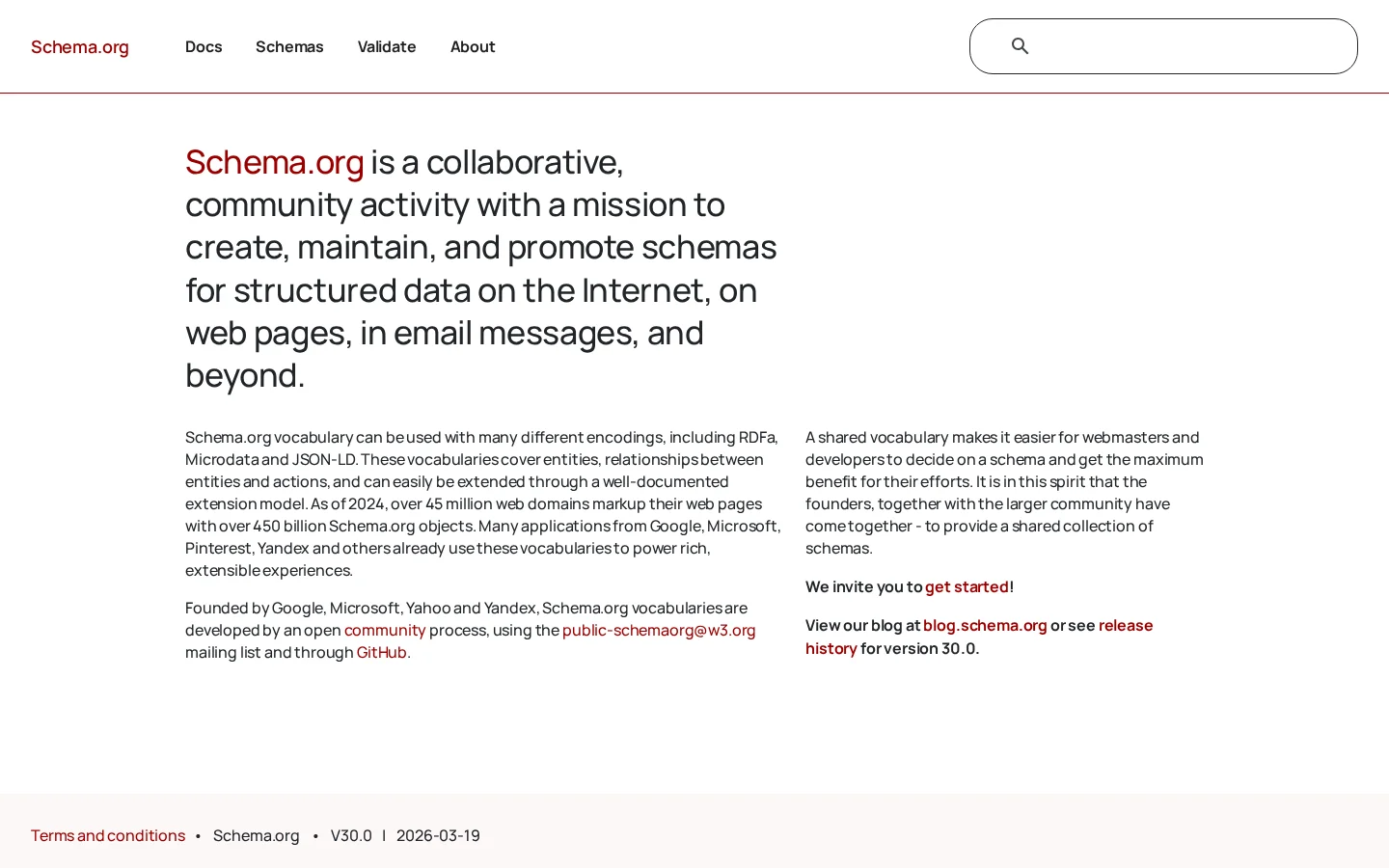
Schema.org tells you what’s allowed. Google tells you what they will use.
Use Google’s FAQPage documentation as the baseline for constraints, including:
- matching visible content
- avoiding misleading or irrelevant content
- using the markup only where it belongs
Governance model that scales past one person
At minimum, define ownership for:
- question inventory (what exists, where)
- answer accuracy (product, legal, support)
- schema validity (SEO/engineering)
- refresh triggers
A practical governance pattern:
- Content team owns question/answer clarity.
- Product/Support owns factual correctness.
- SEO/Engineering owns template rendering + JSON-LD generation.
If you’re building a broader structured content system, the same governance pattern applies to other schema types; it’s why we recommend treating structured data as an operating layer, similar to the approach in our structured data blueprint.
A measurement plan you can run without inventing numbers
You don’t need magical benchmarks. You need a clean before/after and a way to attribute changes.
Pick 10 high-intent pages and define:
- Baseline: 28 days of Search Console query + page data.
- Intervention: add FAQ module + validated FAQ schema.
- Outcome metrics:
- change in clicks and CTR for queries that match the FAQs
- change in conversions on the page (CTA clicks, demo starts)
- change in AI answer inclusion/citations for a prompt set
- Timeframe: evaluate at 14, 28, and 56 days.
For the AI answer layer, build a prompt panel:
- 20 prompts directly mapped to your FAQs (“How do I…”, “What is…”, “Does X support…”)
- check whether your page is cited, and whether the answer matches your wording
This is also where technical hygiene matters. If a crawler can’t reliably render or extract the FAQ module (JS rendering issues, canonical problems, blocked resources), your schema won’t save you; these are the same failure modes discussed in our AI Overviews optimization playbook.
Refresh rules: what forces an FAQ update
Set triggers that automatically create a refresh task:
- product release changes the underlying answer
- support tickets show a new repeated question
- Search Console shows a new query pattern for the page
- AI answers cite competitors for a question you cover (coverage gap)
If you treat refresh as optional, the module becomes wrong over time—which is worse than having no FAQ at all.
FAQ schema automation FAQs
How many FAQ questions should I add to a SaaS page?
A tight default is 5–8 questions on feature and integration pages, and 8–12 on pillar pages. Domaindotin suggests 10–15 as an upper bound for usability and relevance in its FAQ schema best practices, but most SaaS pages perform better with fewer, sharper questions.
Do I still need FAQ schema if Google rarely shows FAQ rich results?
Yes, if your goal is extraction and citations rather than rich snippets. Google reduced FAQ rich results visibility in 2023 due to overuse (as summarized by Wildcat Digital), but the underlying structured format can still support clearer parsing and reuse in answer systems.
Can I generate FAQ schema automatically across thousands of URLs?
You can, but only if you enforce uniqueness, page eligibility, and markup fidelity. seoClarity explicitly warns against repeating the same FAQ content site-wide and emphasizes matching schema to visible content in its implementation guidance.
What’s the difference between FAQPage and QAPage again?
FAQPage is for multiple questions with single authoritative answers written by the site. QAPage is for one question with multiple answers (often user-generated), and Google documents that distinction in its QAPage structured data guidelines.
What answer length works best for AI Overviews and answer engines?
Use constraints, not guesswork: aim for concise, self-contained answers. Frase recommends 40–60 word answers for AI-oriented extraction in its FAQ schema AI search piece, while Domaindotin suggests 50–250 words for clarity in broader usage. For SaaS, keep most answers under ~90 words unless the question requires careful nuance.
If you want to see how your brand appears in AI answers—and where competitors are being cited instead—measure your citation coverage and tie it back to publishable fixes. If you’d like a walkthrough of what that looks like in practice, you can book a demo and review a real prompt panel, page template, and validation workflow.
References
- Google Search Central: FAQPage Structured Data
- Google Search Central: Schema for Q&A Pages (QAPage)
- Schema.org: FAQPage type
- seoClarity: FAQ Schema for SEO
- Frase.io: FAQ schema for AI search, GEO & AEO
- Wildcat Digital: FAQs and FAQ schema changes
- SUSO Digital: FAQ page SEO best practices
- Domaindotin: How to use FAQ schema