Publishing cadence
should not live in a spreadsheet.
Content Calendar turns scheduling into part of the content system itself, with drag-and-drop planning, unscheduled queues, status-aware publishing, and coordination across collections.
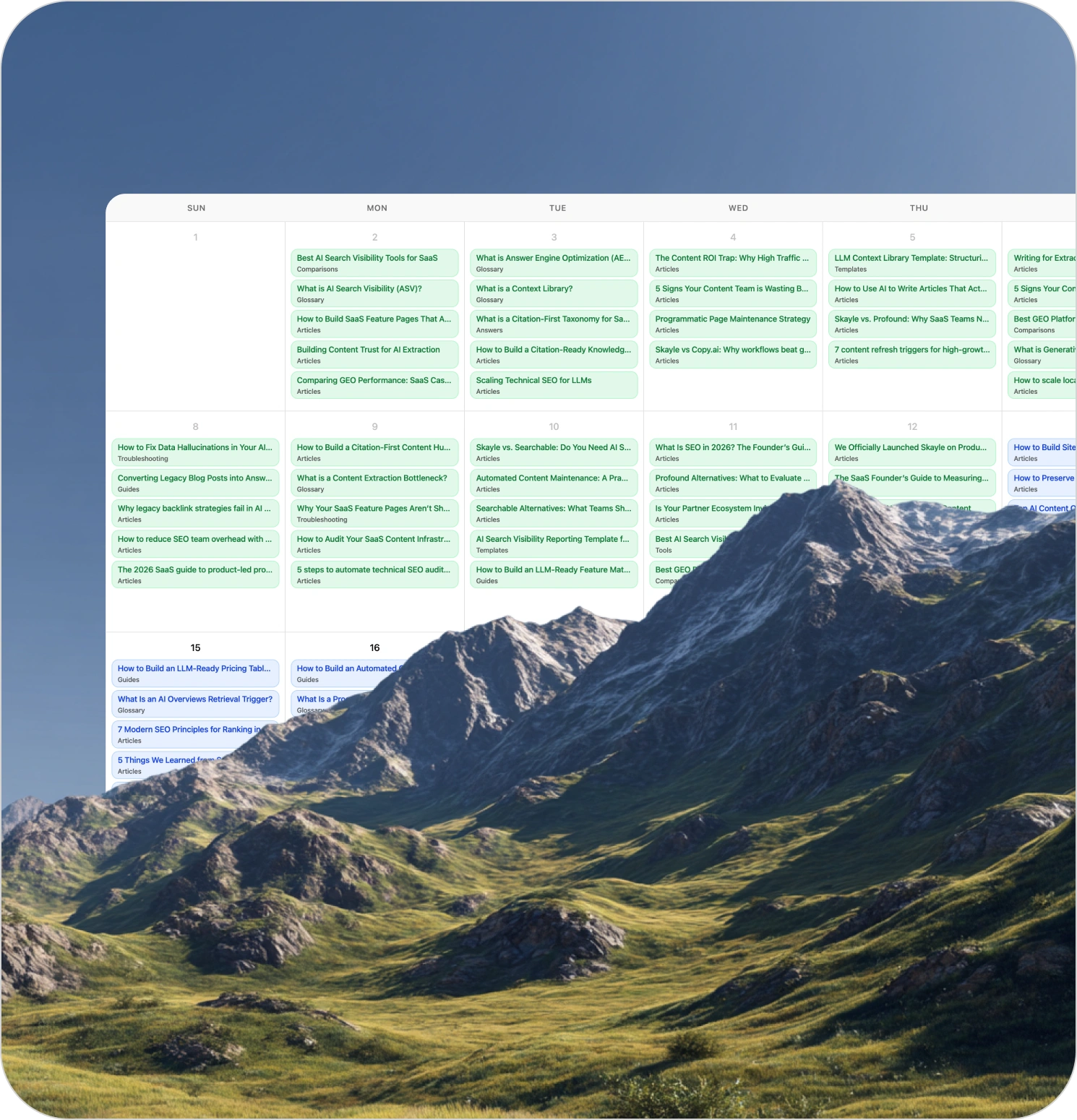
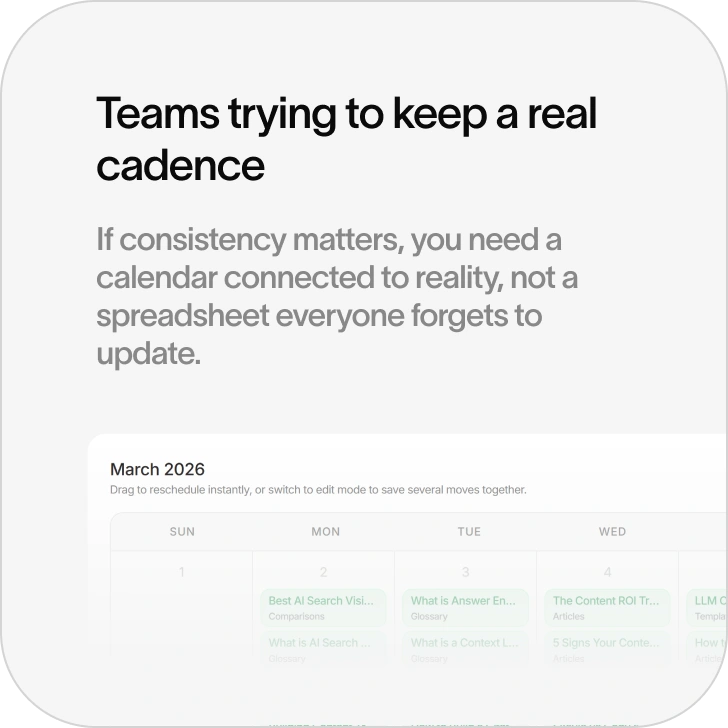
Most editorial calendars are disconnected from the work they are supposed to manage
They live in spreadsheets, docs, or separate planning tools while the actual content lives somewhere else. That creates handoffs, confusion, and constant context switching. Teams plan in one place, review in another, publish in another, and then wonder why cadence slips.
Content Calendar fixes that.
It brings scheduling into the same workflow used to create, manage, and publish content, so the plan is attached to operational reality.
What this page should show
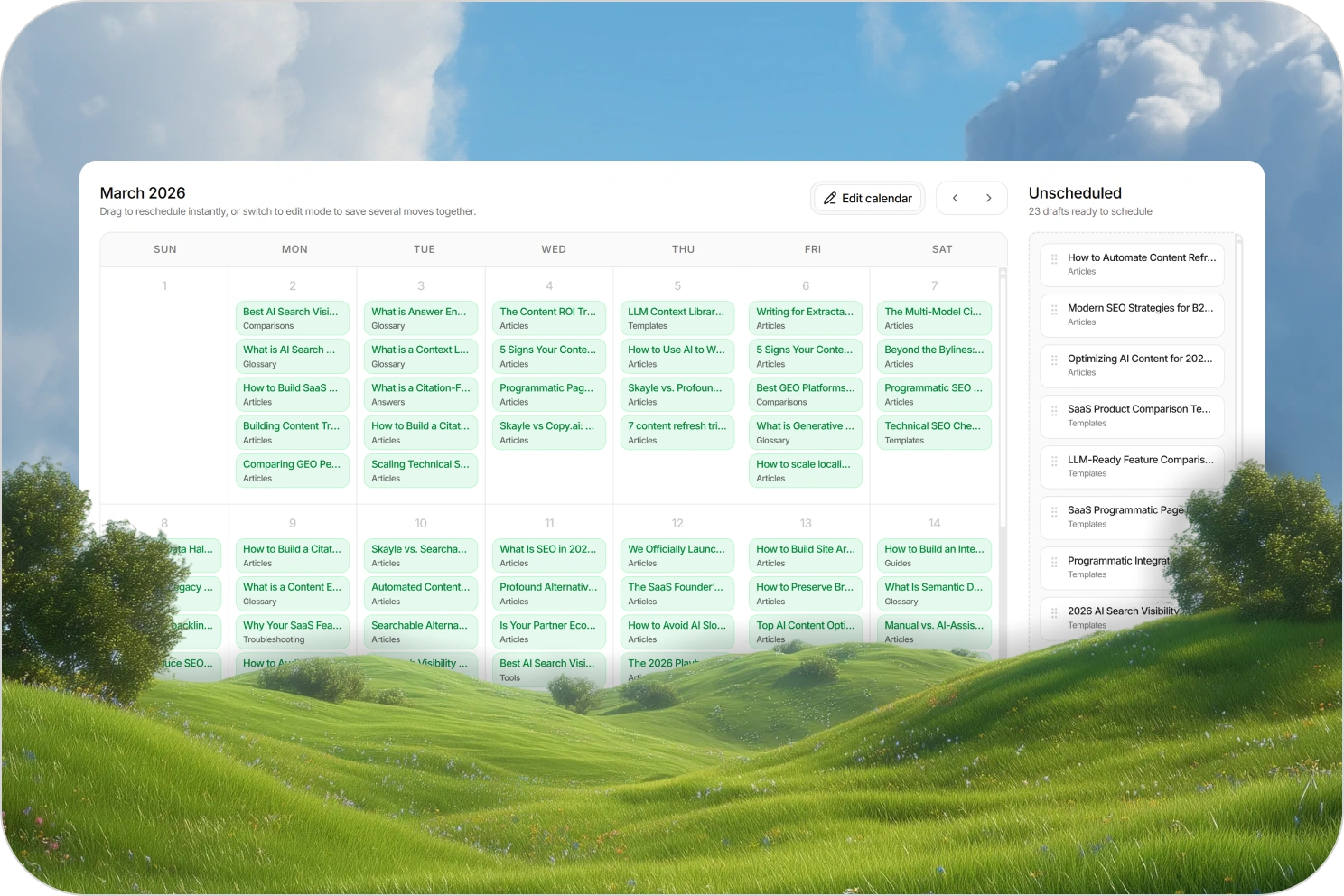
Drag-and-drop scheduling
Move content visually instead of scheduling through scattered forms and manual handoffs.
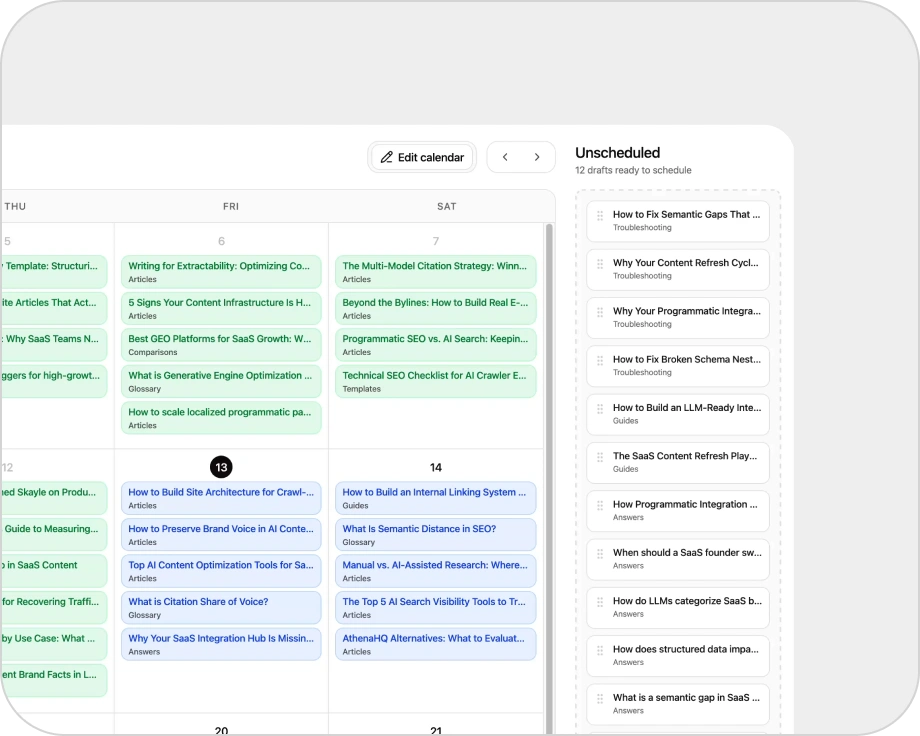
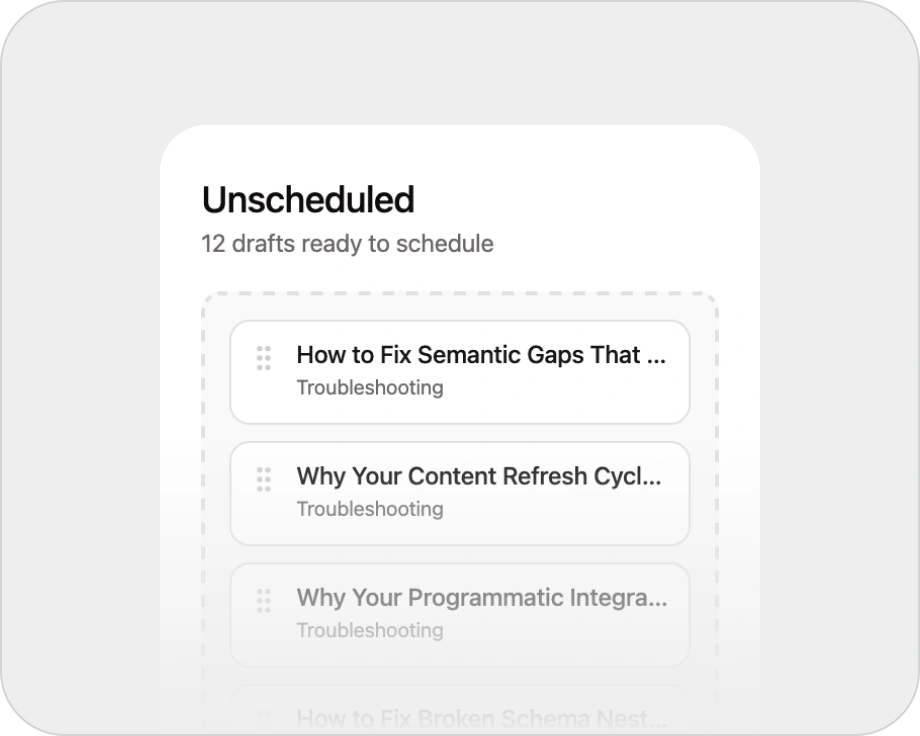
Unscheduled content queues
See what is ready but not yet placed on the calendar, so opportunities do not disappear into a backlog.
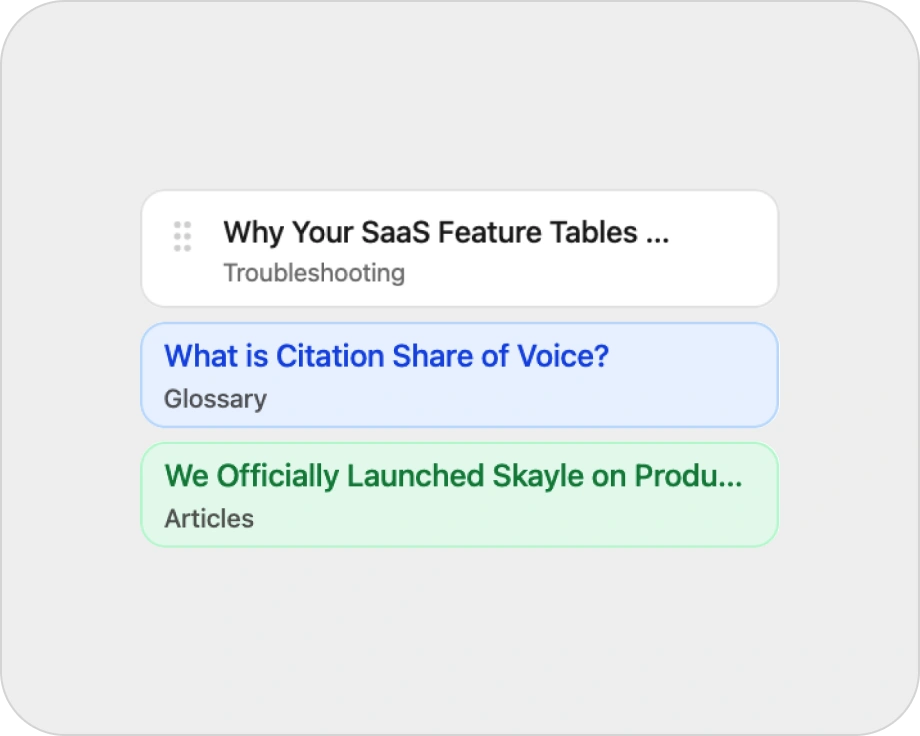
Draft, scheduled, and published states
Make publishing status visible directly inside the calendar workflow.
Batch scheduling
Handle multiple pieces of content at once instead of dragging editorial planning into repetitive admin work.
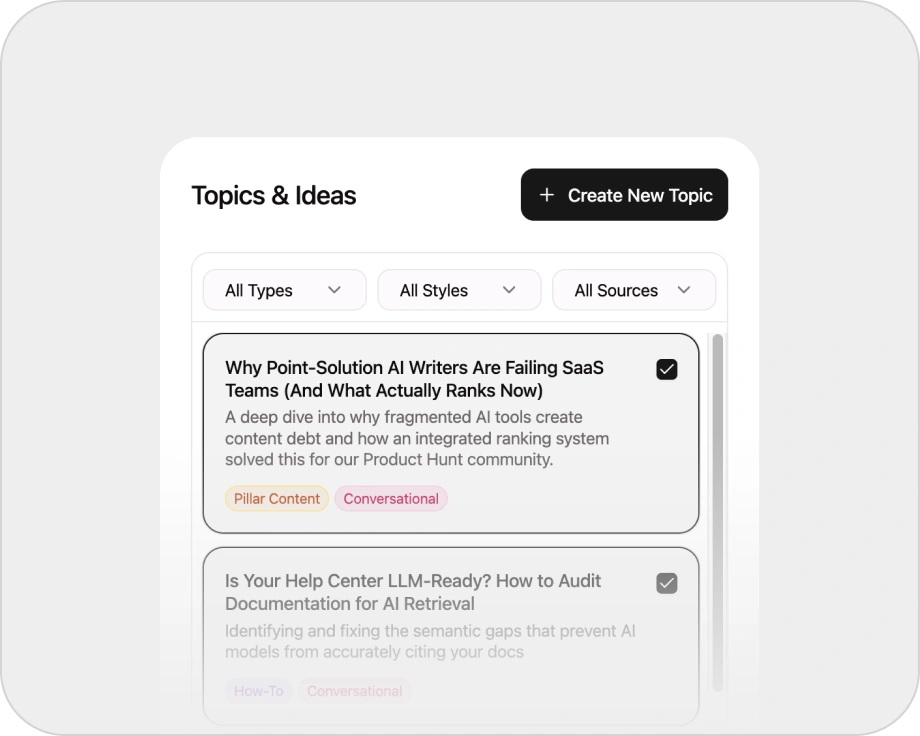
Collection-aware planning
Coordinate more than one content type inside the same scheduling system.

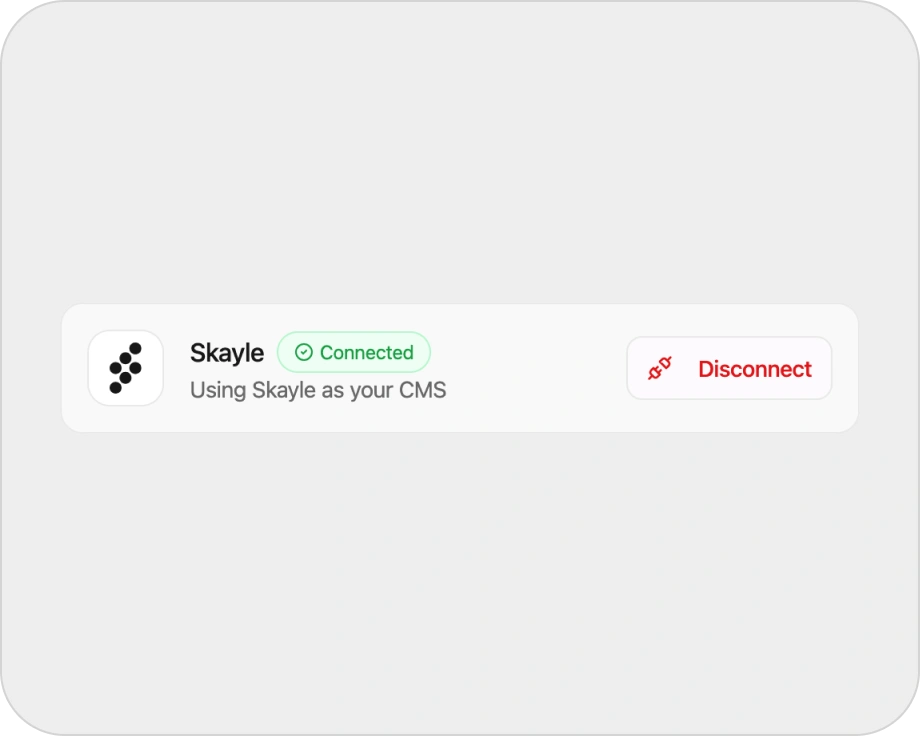
Connector-aware publishing
Tie the calendar to real publishing workflows instead of treating it like a decorative planning board.
Why it matters
Publishing cadence is not just a planning problem. It is an operating problem.
Teams do not need another calendar for the sake of having a calendar. They need a scheduling layer that reflects what is actually ready, what is still blocked, what content should ship first, and how different content types fit together over time.
This page should make the value clear.
The calendar is not a side tool. It is part of the system.
How it works
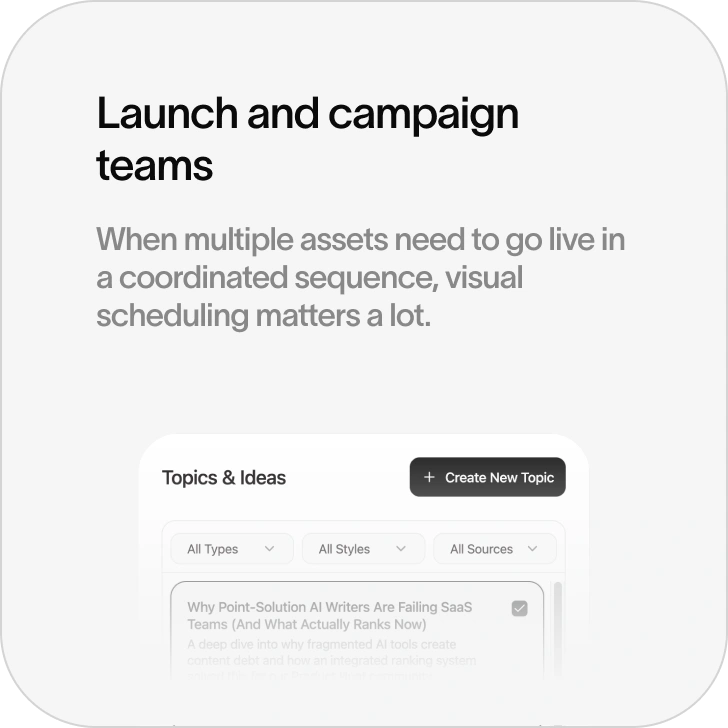
Pull in ready and upcoming content
The calendar should show what is drafted, what is unscheduled, what is already planned, and what is live.
Schedule visually
Use drag-and-drop planning to place content where it belongs without leaving the workflow.
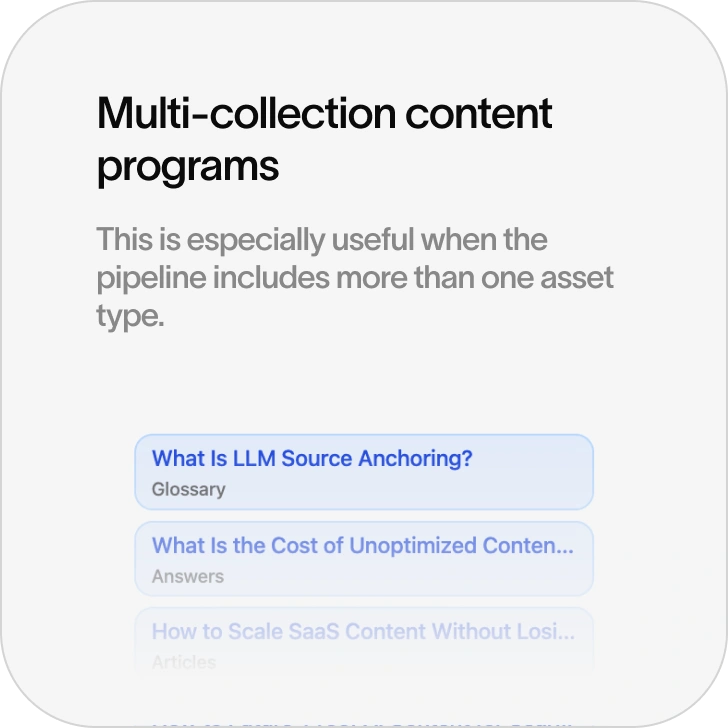
Coordinate across collections
Plan articles, comparisons, guides, or other structured assets inside one view.
Publish through connected workflows
Scheduling should stay tied to CMS connectors or Skayle CMS so the calendar reflects real publishing operations.
Best fit
A schedule is not a publish receipt
Plan timing in Skayle while keeping local status and external CMS synchronization outcomes distinct.
Publishing systems & sync
Validate destination structure and keep Skayle publish state distinct from external CMS sync outcomes.
ExploreSchema & field mapping
Align collection fields, taxonomies, authors, and destination models before content is synchronized.
ExploreGSC & search measurement
Measure clicks, impressions, CTR, and average position for the selected Search Console property and period.
ExploreFrequently asked questions

Make scheduling part of the system.
Content Calendar gives teams a visual publishing workflow tied to real content readiness, structured planning, and connected publishing.