Not another list of drafts, A real control layer for content ops.
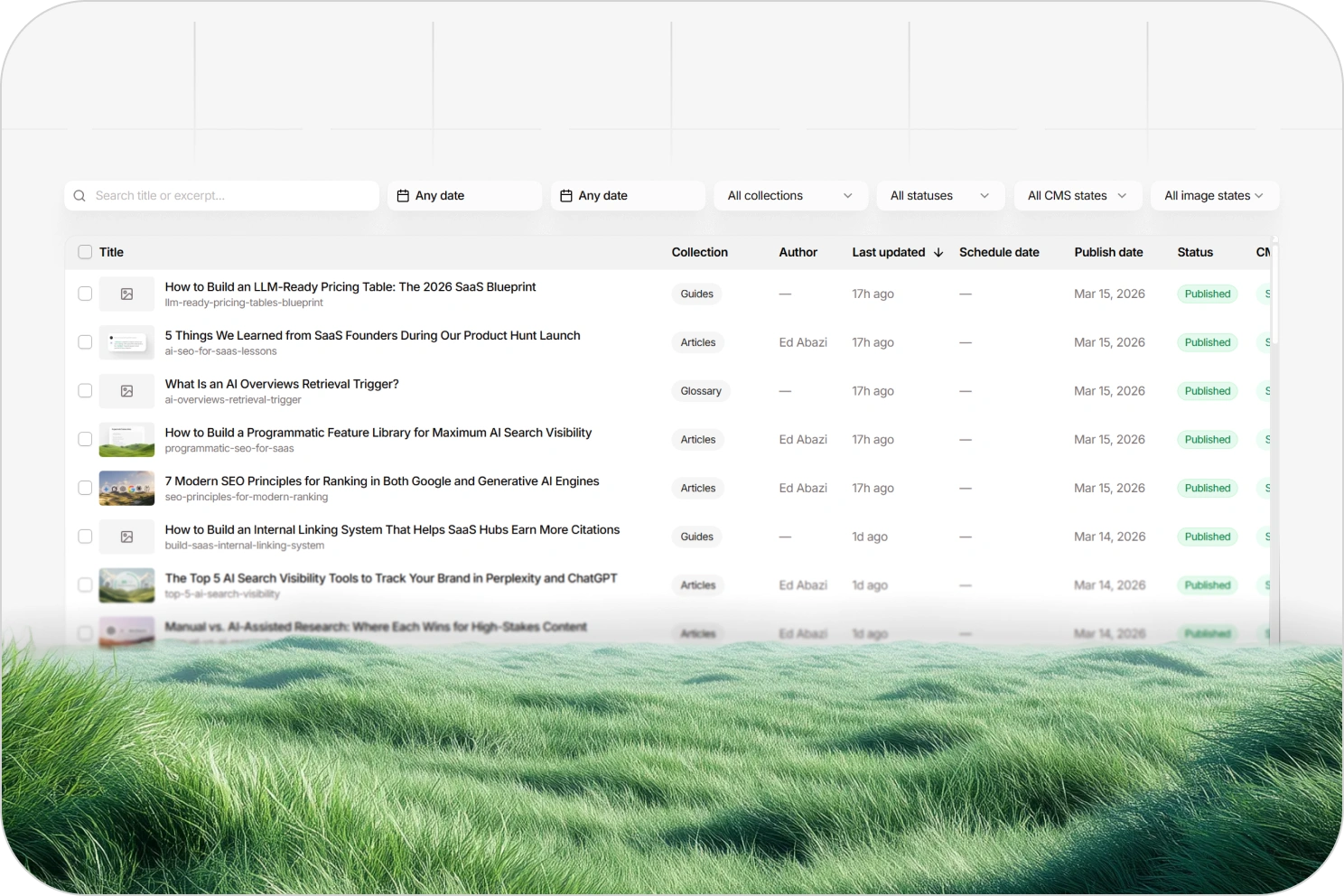
Content Management gives teams one operating layer for structured content production, with visibility across collections, statuses, sync states, publishing readiness, and batch actions.
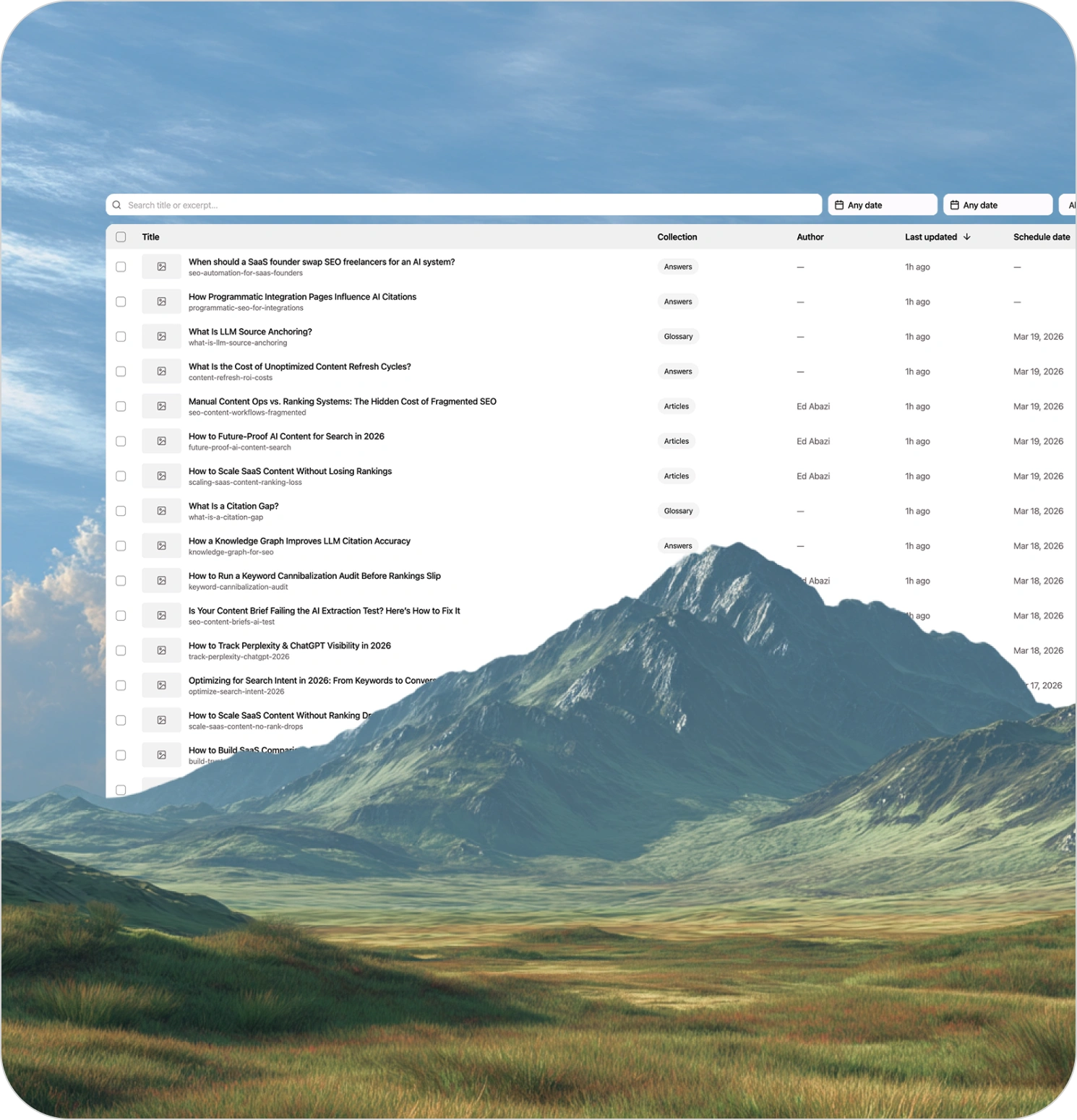
Content creation does not break at scale because teams run out of ideas
It breaks because operations get messy. Drafts end up scattered across tools. No one knows what is ready, what is blocked, what synced correctly, what still needs images, or what should be scheduled next. Teams start operating content through spreadsheets, CMS tabs, Slack threads, and memory. That is chaos, not a system.
Content Management is the layer that fixes that.
It gives teams one place to run structured content operations at scale, instead of managing a pile of disconnected drafts.
What this page should show
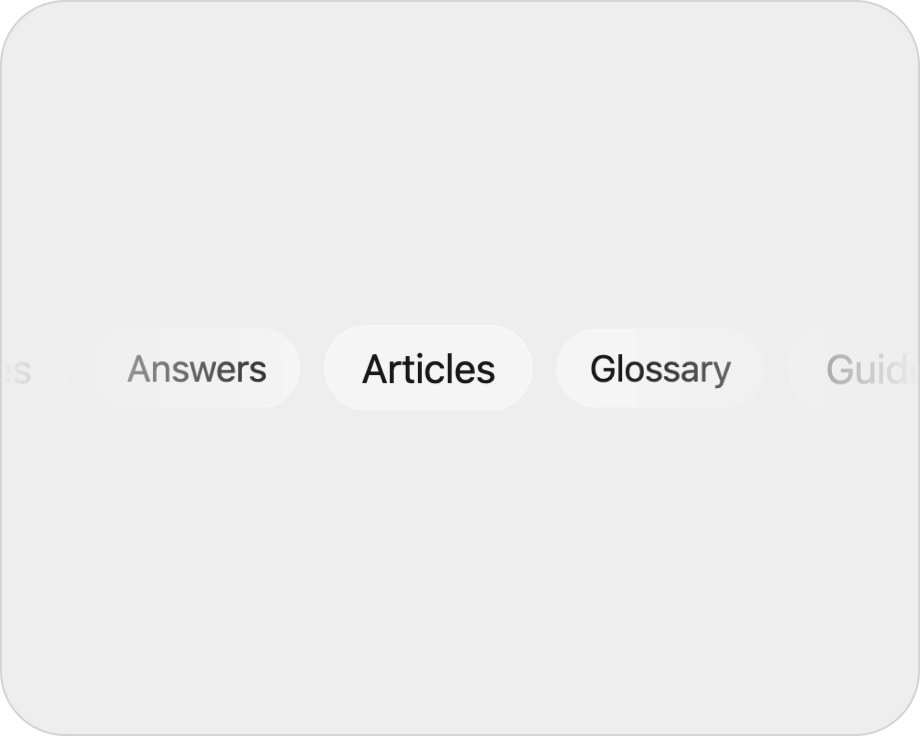
Collection-aware operations
Manage content across structured collections instead of treating everything like a generic blog post list.
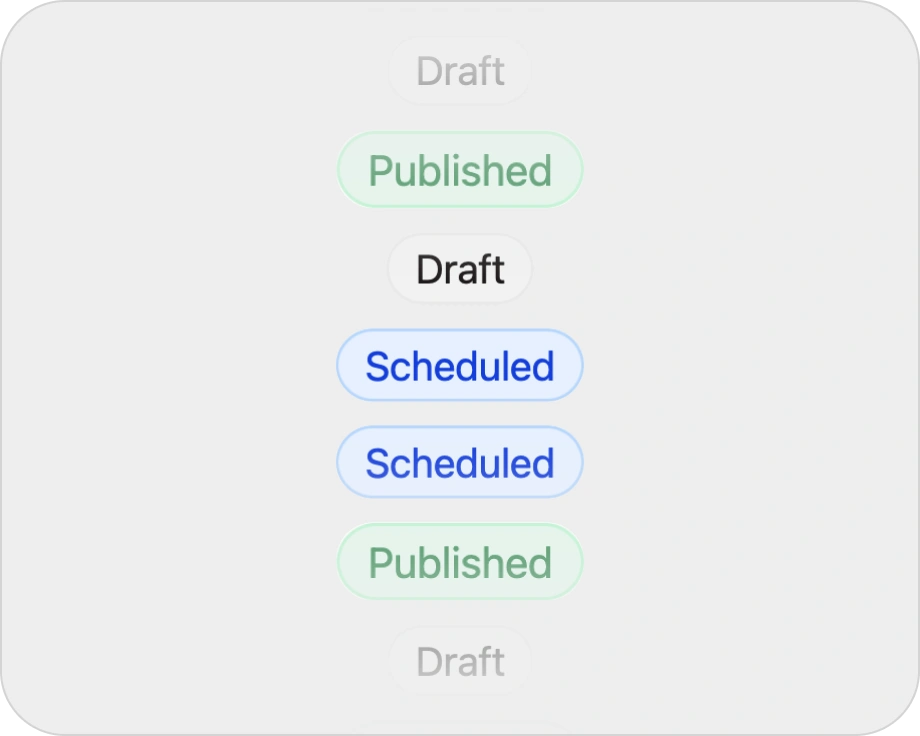
Status and sync-state visibility
See what is in draft, what is ready, what is scheduled, what is published, and what is stuck.
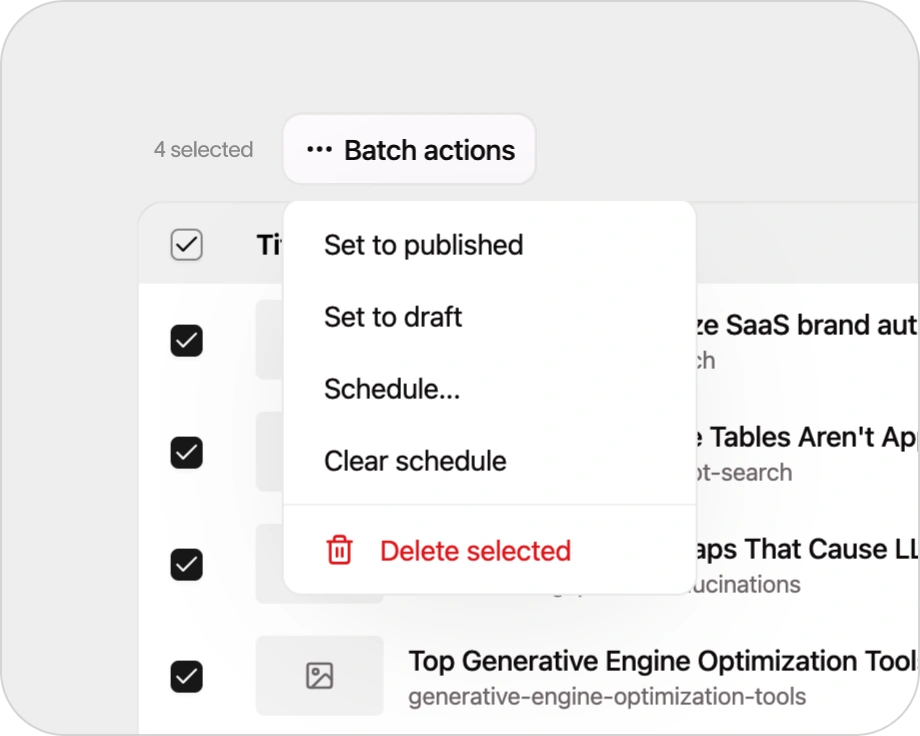
Batch actions
Handle publishing, scheduling, and workflow changes in groups instead of one page at a time.
Editorial filters
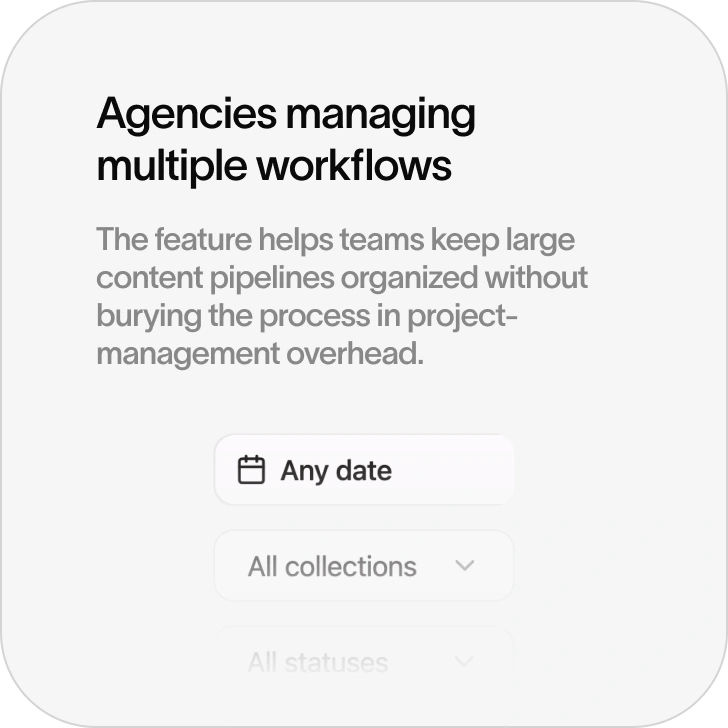
Filter by type, state, readiness, or operational status so teams can act quickly without digging.
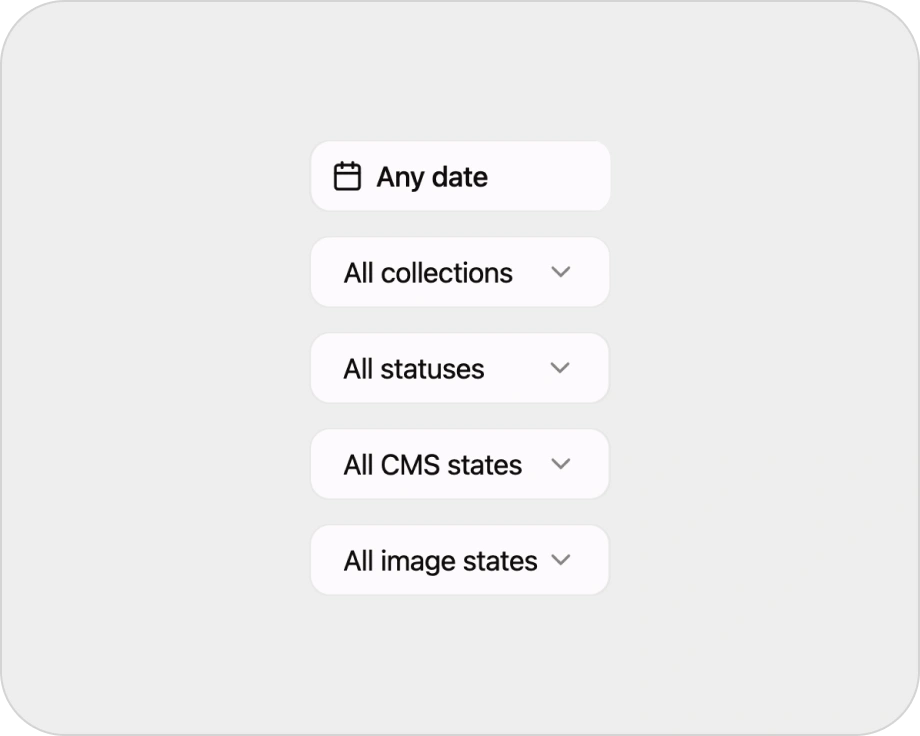
Asset and image-state visibility
Know which content is still missing visual assets or supporting pieces before it hits the calendar.
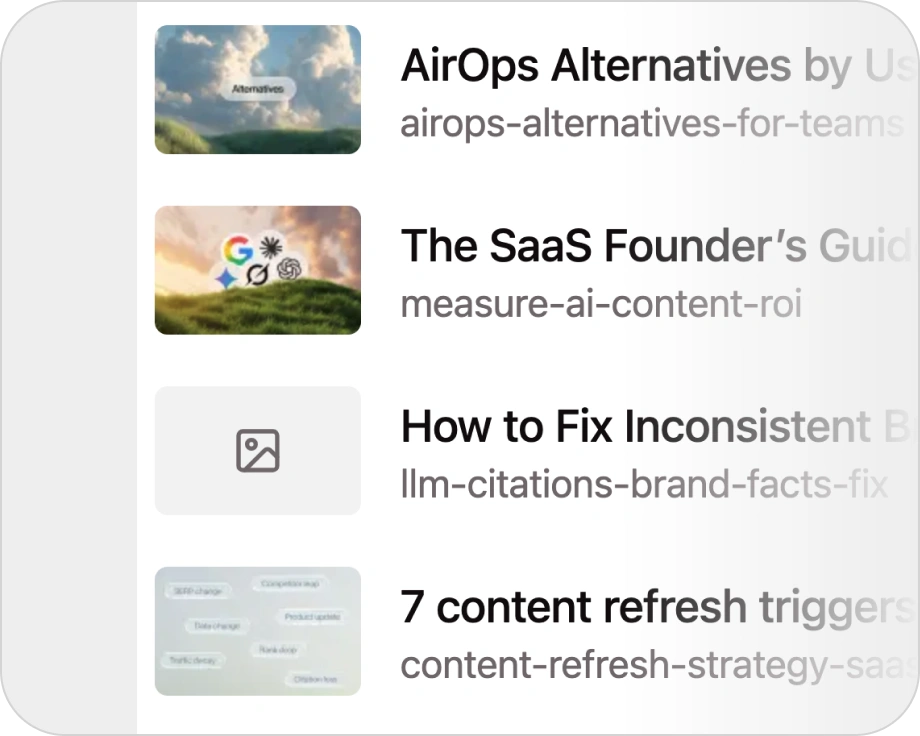
One operating layer
Keep creation, review, readiness, and publishing coordination inside one system.
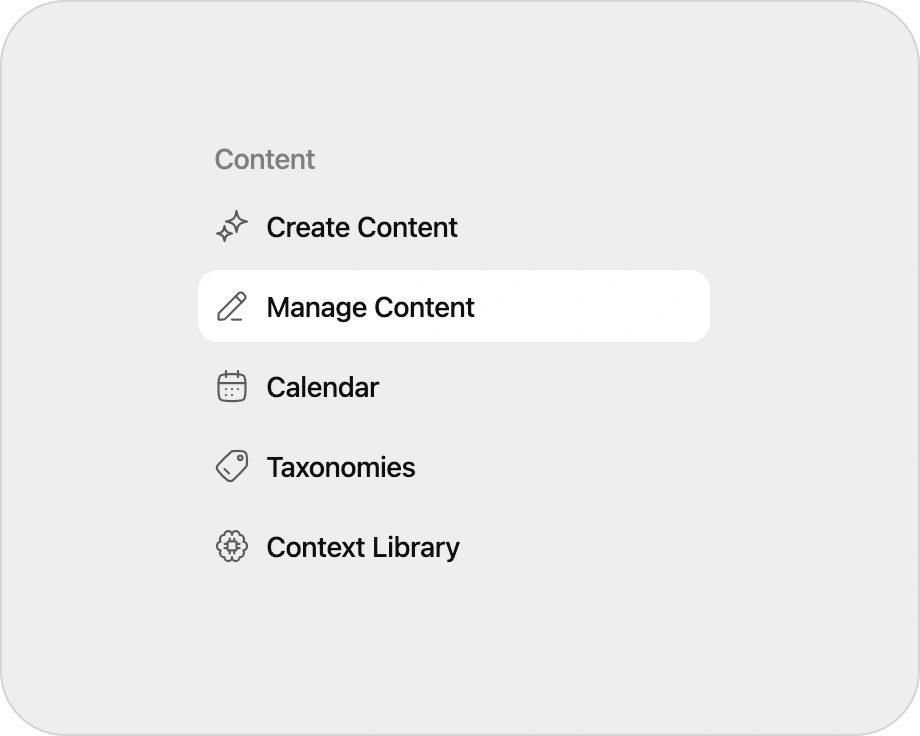
Why it matters
The hardest part of content scale is not writing. It is operating volume with clarity.
Once teams publish across multiple collections, multiple authors, multiple workflows, and multiple destinations, the bottleneck shifts from ideation to control. Content Management solves that by giving teams a single view of what exists, what state it is in, and what action should happen next. It is built for structured collections like articles, comparisons, guides, glossary entries, answers, troubleshooting content, templates, and tools.
This page should make one thing obvious:
Skayle is not just for creating content. It is for running content as a system.
How it works
Organize content by collection and state
Content lives in a structured system, not in a flat pile of drafts.
Review readiness at scale
See what is ready to publish, what needs review, what is missing assets, and what still has sync issues.
Take batch action
Publish, draft, or schedule groups of content in fewer steps.
Keep publishing clean
Move content through connectors or Skayle CMS without losing operational visibility.
Best fit


Content operations keep structure attached
Manage content with its metadata, taxonomies, authors, destination fields, and publishing state intact.
Schema & field mapping
Align collection fields, taxonomies, authors, and destination models before content is synchronized.
ExploreStructured data & metadata
Carry metadata, schema-related fields, social data, and content structure with every content item.
ExplorePublishing systems & sync
Validate destination structure and keep Skayle publish state distinct from external CMS sync outcomes.
ExploreFrequently asked questions

Run content operations from one system.
Content Management gives teams the control layer they need to review, filter, schedule, and publish structured content at scale.